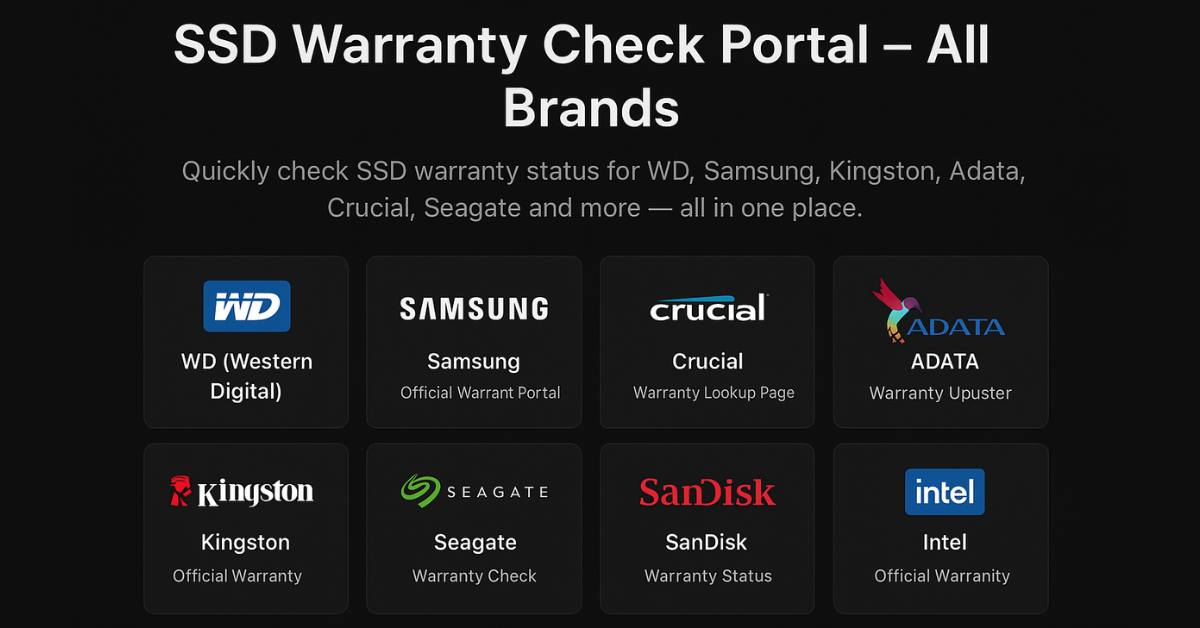
“Easily check SSD warranty status for brands like WD, Samsung, ADATA, Crucial, and more — all in one place at LaptopBoy. This page helps users quickly verify their SSD’s warranty without visiting multiple brand sites.”
SSD Warranty Check Portal – All Brands
Check SSD warranty status online for WD, Samsung, Kingston, ADATA, Crucial, Seagate and more — using official manufacturer tools.
WD (Western Digital)
Official Warranty Portal
Samsung
Warranty Lookup Page
Kingston
Warranty Verification
Seagate
Check Warranty Status
FAQs – SSD Warranty Check
How can I find my SSD serial number?
The serial number is printed on the SSD label or visible using tools like CrystalDiskInfo or BIOS.
What is the average SSD warranty period?
Most SSDs include a 3–5 year warranty, depending on brand and model.
My SSD shows out of warranty but it’s new?
Contact the brand’s support team with your purchase invoice to update warranty records.